Try Our 4-Class Trial Program, Now 50% Off Regular Tuition!

Since 1976

MANAGING YOUR ACCOUNT MADE SIMPLE.

Everything you need to know about using the iClassPro App to manage your account, schedule makeups, and register for events.

Gymnasts in a Circle

What Is iClassPro?

We use the iClassPro App (iCP App) to manage all registrations, absences, makeups, events, and account information.

Through the app, you can:

  • View your child’s current enrollments
  • Submit absences
  • Schedule makeup classes
  • Register for special events and camps
  • Manage responsible parties and account details
Wavy Line v1

STEP 1: DOWNLOAD THE APP

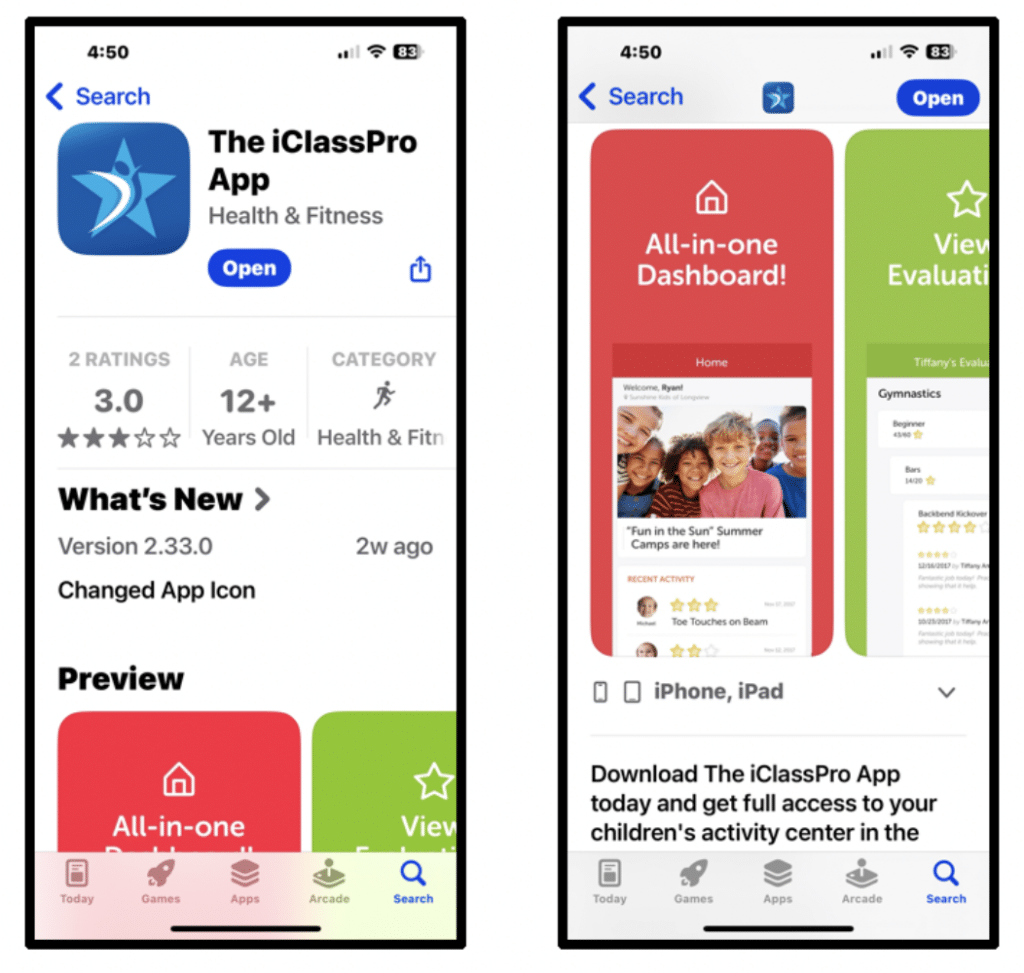
  1. Search iClassPro in your App Store.
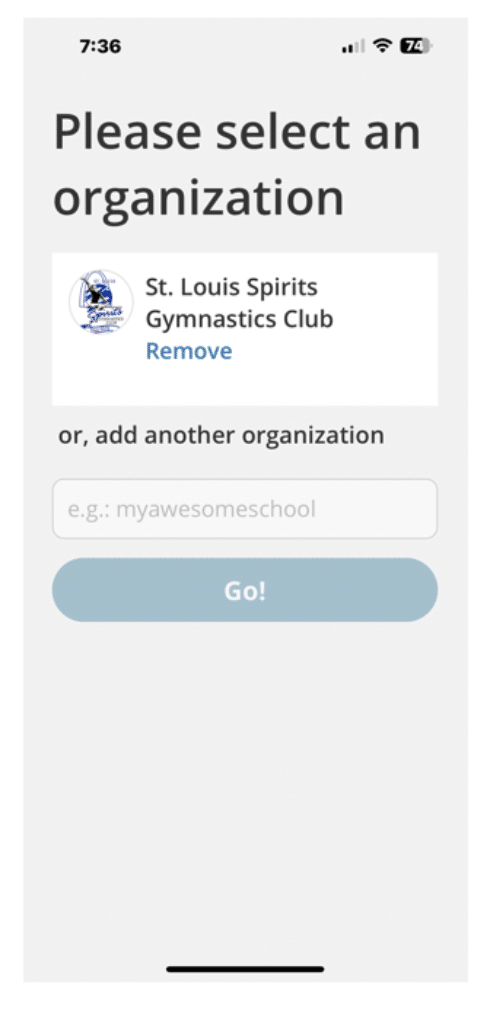
  2. Enter our organization: stlouisspirits
  3. Select St. Louis Spirits Gymnastics Club.
STEP 1: DOWNLOAD THE APP

STEP 2: LOG IN (IMPORTANT)

  • Select Log In
  • Do NOT create a new account
  • Use the primary email address you provided during registration
  • If you do not know your primary email, text or call us at 314-461-1877 (text preferred)
  • First time logging in? Select Forgot Password to create one

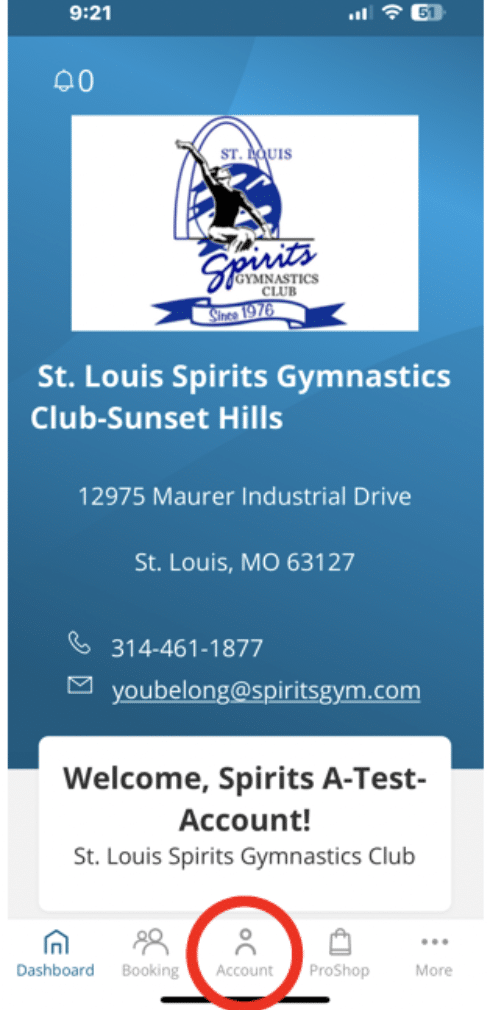
You are successfully logged in when you see your Home Screen.

MANAGING ABSENCES

Need to miss a class?

  • Tap Account
  • Select your student
  • Choose Future Absences
  • Select By Date
  • Choose the date and submit

Once approved by the office, your absence will show as excused.

SCHEDULING A MAKEUP CLASS

After submitting an absence, you may receive a Makeup Token (if eligible).

To schedule:

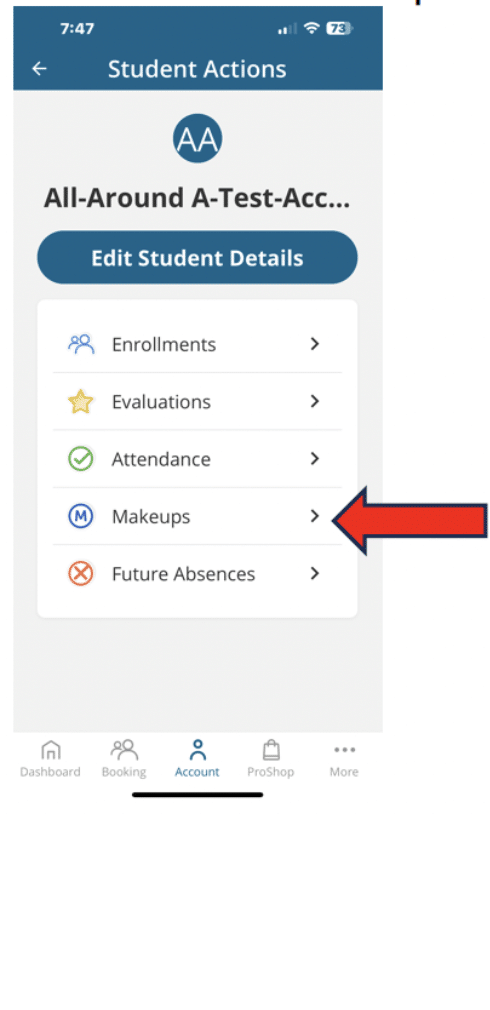
  1. Go to Account
  2. Select your student
  3. Tap Makeups
  4. Select Available Makeup Tokens
  5. Choose a date first
  6. Filter by level, program, or day
  7. Select an available class
  8. Submit request

Important:

  • You must have a Makeup Token available
  • Only request a class of the same or lower level
  • Classes only appear if there are openings
  • 2-App-Submit Absence and Enroll…
  • If you need to cancel, please text at least 8 hours prior

REGISTERING FOR EVENTS

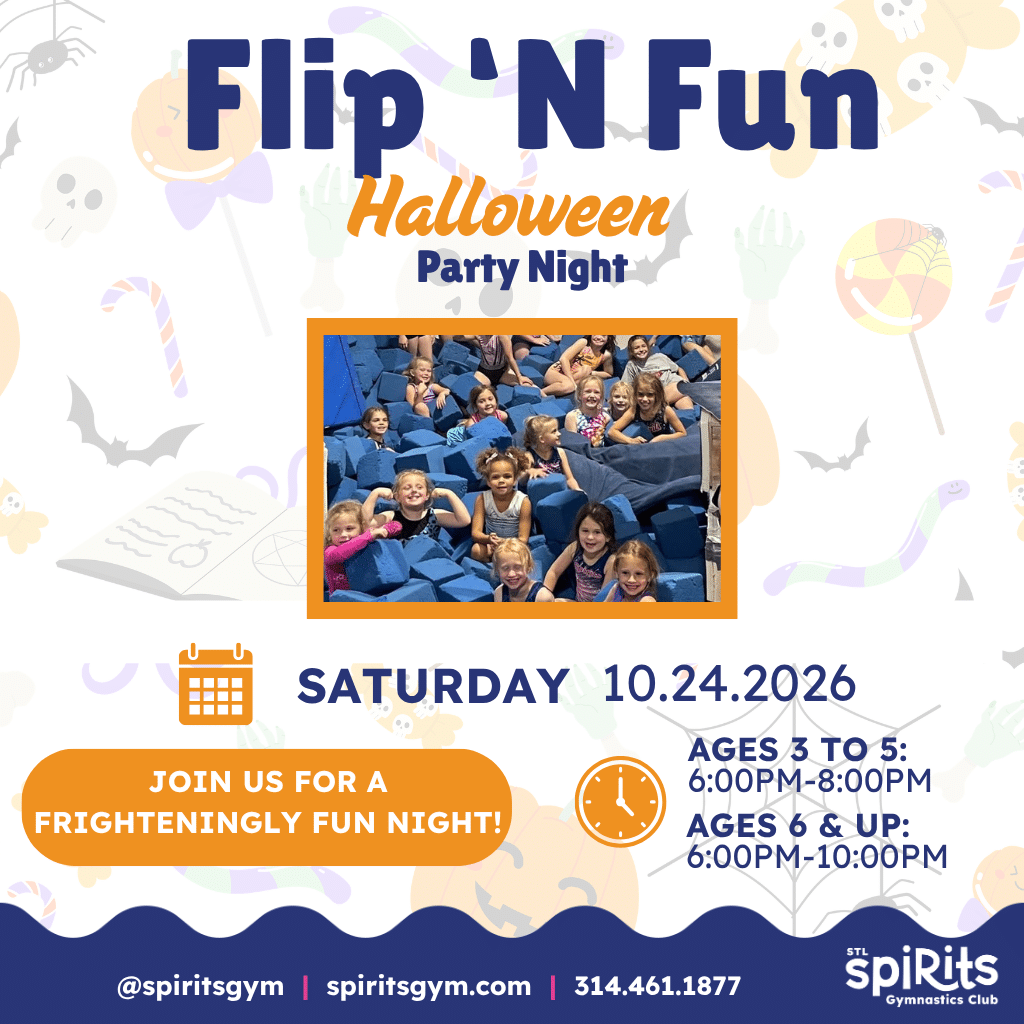
(Showcases, Open Gym, FlipNFun, Camps, etc.)

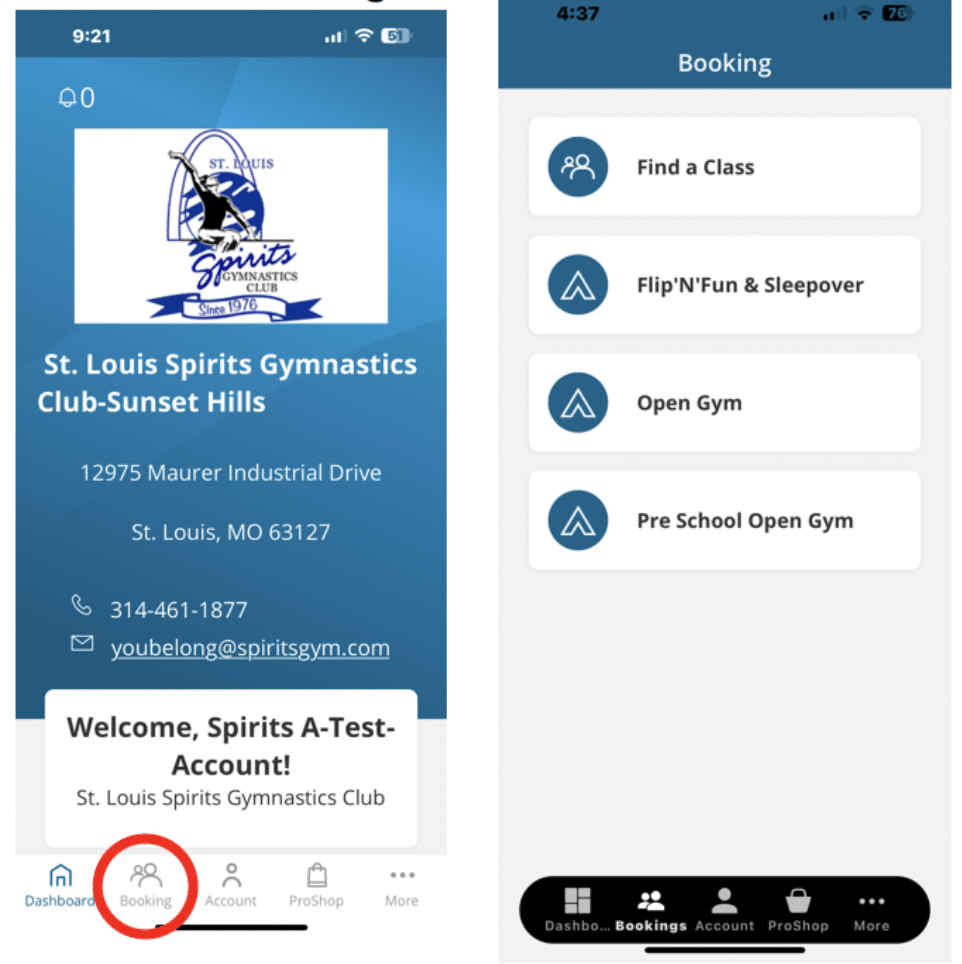
  1. Tap Booking
  2. Select the event
  3. Choose your student
  4. Tap Enroll Now
  5. Complete checkout

You can confirm your registration by checking the Coming Up section on your Dashboard.

REGISTERING FOR EVENTS

MULTIPLE PARENTS OR GUARDIANS?

If more than one email is associated with your child’s account, you can create separate logins.

The primary account holder can:

  1. Go to My Account
  2. Scroll to Responsible Parties
  3. Select the person
  4. Click Send Invite Email

This allows both parents to manage the account individually.

NEED HELP?

If you’re having trouble logging in, scheduling a makeup, or registering for an event, please text us at:

314-461-1877
Text or call (Text preferred)
We’re happy to help.

NEW TO SPIRITS GYMNASTICS CLUB?

There are two ways to enroll:

1. Do it yourself.
(Requires you to create an online portal account – more instructions here.)

2. Let us help.
(Call or text us (314) 461-1877 or fill out the form and we’ll be in touch soon to help get you started)